Cardinal Container Tracker
Automatic container recognition
Read container numbers with your gate cameras.
Cardinal Container Tracker is container number recognition (container OCR) for the cameras at your gate. It reads each number, checks it and saves it with a photo, so your gate log no longer depends on someone writing numbers down.
£299 per month
Free for 14 days. No card required.
Is this for you?
Cardinal Container Tracker may suit you if:
- Gate staff write container numbers down by hand.
- Mistyped numbers are only noticed later.
- You are asked to show when a container came in or went out.
- You want gate records without a full yard management system.
- Containers reach you by rail and you want each one on the train recorded.
In practice
How it works
- 1
Cameras cover your gate
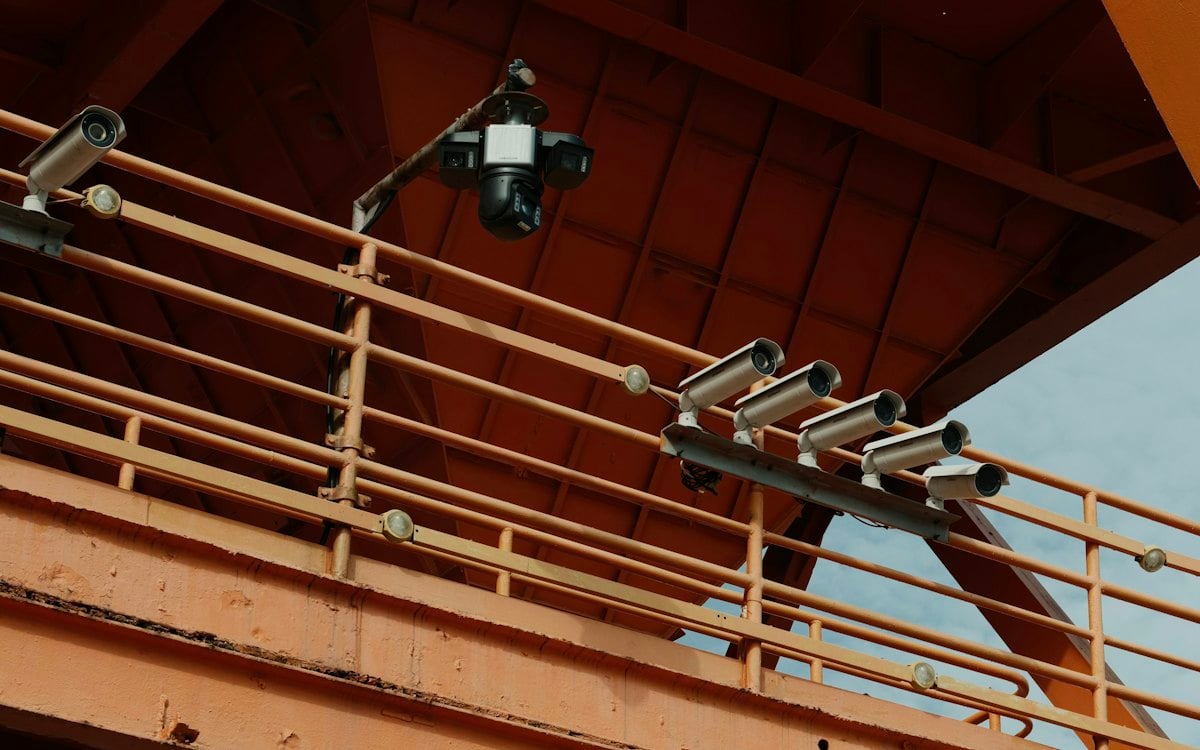
Container Tracker reads from IP cameras at your gate. Each camera is set as an IN or an OUT camera.
- 2
A connector runs at your site
A small program on an always-on PC, NAS or Raspberry Pi links the cameras to your workspace. Your cameras are not exposed to the internet and no network changes are needed.
- 3
Containers are recorded as trucks pass
Each number is read, checked and saved with its photo. A container that can’t be read is saved as “unread” for review.
What it does
What Cardinal Container Tracker does
What Container Tracker records at your gate.
Reading container numbers
Camera recognition
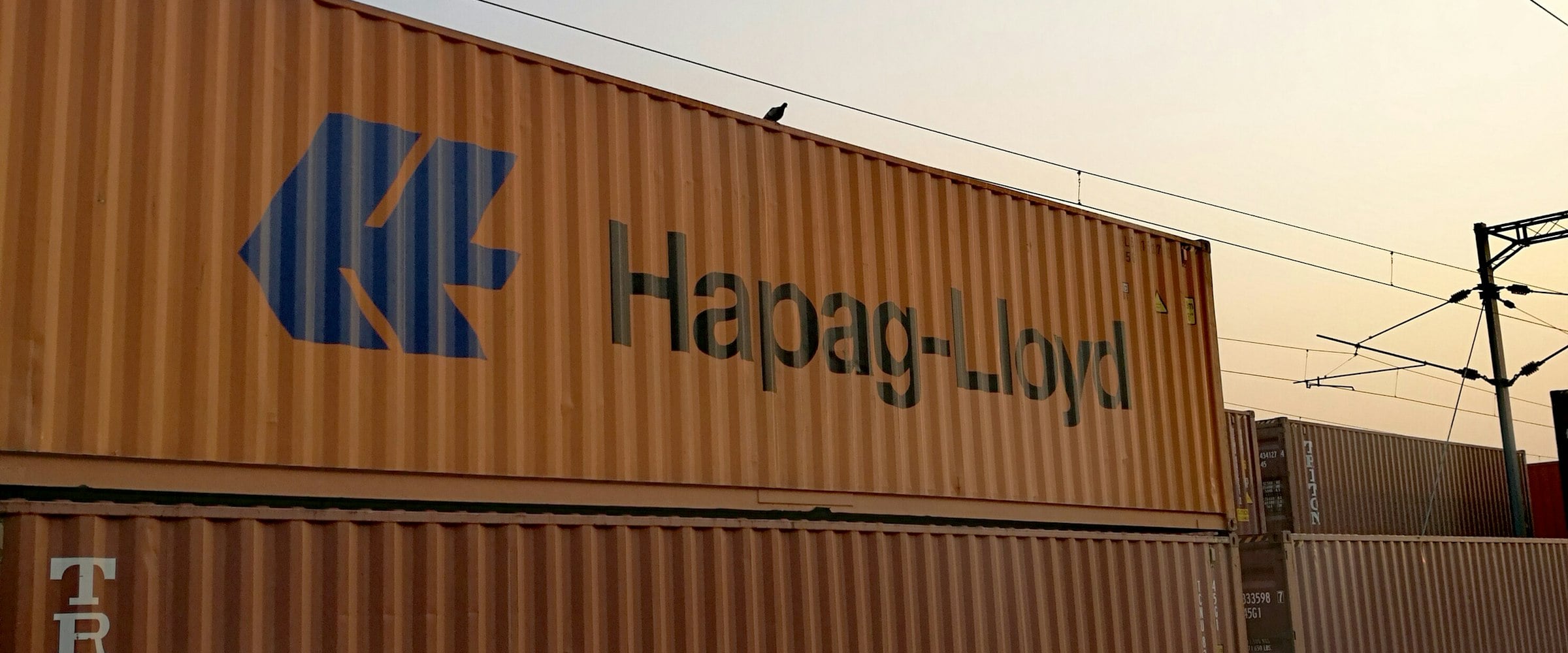
Container numbers are read from your gate cameras, whether written across or down the container. Two containers on one trailer are recorded separately.
Checks that help spot incorrect reads
A number is accepted only if its owner code, serial number and ISO 6346 check digit are valid. A container that is seen but can’t be read is saved as “unread” with its photo.
What each record keeps
The number, a photo of the whole frame, the camera, in or out, the time and the read confidence. The same container seen by several cameras is linked as one journey.
Cameras and sites
Several containers in one pass
Two boxes on a trailer, or a double stack on a rail wagon, are each read and recorded, each in under a second. One camera reads both boxes of a double stack.
Road gates and rail sidings
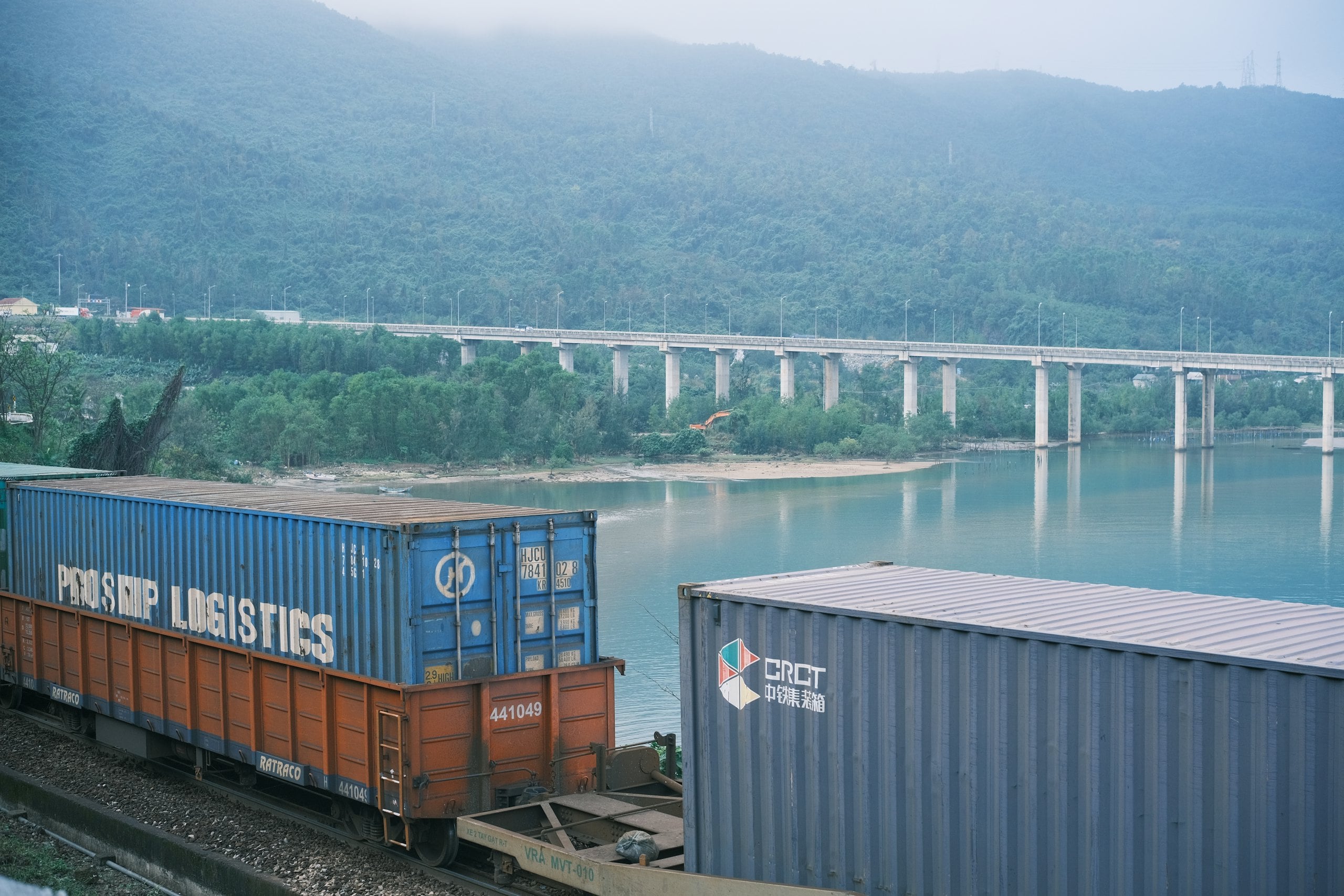
Read containers on trucks at a road gate or on trains at a rail siding, with the same records, photos and reports.
Your own IP cameras
Works with IP cameras that provide an RTSP stream. Each camera has a name, a location and a direction, in or out.
Secure connection to your site
A connector program at your site links the cameras to your workspace. Your cameras are not exposed to the internet and no network changes are needed.
Live view
Watch each camera live, with the number panels it has found marked on the picture.
Records and reports
Search and review
Search and filter records by number, camera, date and whether the read was valid. Add a record by hand, add notes, and flag containers on a watch list or a block list.
Scan from a phone
Gate staff open a web page from a QR code, sign in with a scanner account and take a photo. It is read and checked in the same way and saved with the operator’s name.
Container records and exit passes
A container record is opened when a container is read coming in. Add its seal number, shipper and position, and issue a numbered exit pass with truck and driver details.
Reports and export
A PDF report by date, camera and direction with summary counts, and a CSV export of your records.
Users and permissions
Admin and user accounts with individual permissions for viewing, exporting, cameras, reports and settings. Available in English and Spanish.
Before you start
What you need
- IP cameras that provide an RTSP stream, positioned to see the container number.
- An always-on PC, NAS or Raspberry Pi on the same network as the cameras, to run the connector (Windows, Linux or Docker).
- An internet connection at the site. Reading pauses while the connection is down.
- Separate cameras for trucks coming in and going out, because direction is set per camera.
Pricing
What Cardinal Container Tracker costs
One monthly price, with hosting, updates, backups and support included. There is no contract, and you can cancel at any time.
Gate lane
£299per month
Automatic recognition for your first camera lane.
- 1 camera lane included
- Unlimited phone scanning
- A photo with each record
- PDF report and CSV export
Each additional camera lane is £99 a month.
All prices in GBP, per month, excluding any applicable taxes.
Questions about Cardinal Container Tracker
Does it work for rail freight?
Yes. Container Tracker is available for rail freight. Cameras beside the track read the number of each container as the train passes, at up to 50 km/h, and each one is saved with its photo, just as at a road gate. Tell us about your siding and we will help you plan where the cameras go.
Which cameras does it work with?
IP cameras that provide an RTSP stream. You add each camera by its address on your network.
What happens if a number is dirty or damaged?
If the container is seen but no valid number can be read, the photo is saved as “unread” so your staff can review it and enter the number by hand.
Do gate staff need special handhelds?
No. They open a web page on a phone, sign in with a scanner account and take a photo. There is no app to install.
How does Container Tracker differ from IsoTrack?
Container Tracker records what passes your gate: the number, a photo, and reports. IsoTrack manages the yard itself: bookings, moves, truck tracking, storage charges and a customer portal. You can use either on its own, or both with one login and one bill.
More on trials, hosting and billing in the general questions.
Also from Cardinal
Use them together with one login and one bill.
Let’s talk about your yard
Tell us how you manage containers today and what you’d like to improve. We’ll explain how Cardinal Container Tracker could fit your operation and show you how it works. Write to hello@cardinalsystem.co.uk.